How to add MEXC emails to Outlook and Gmail whitelist?How to add MEXC emails to Outlook and Gmail whitelist?
카테고리 목록
취소

How to add MEXC emails to Outlook and Gmail whitelist?

1. Outlook Whitelist Settings


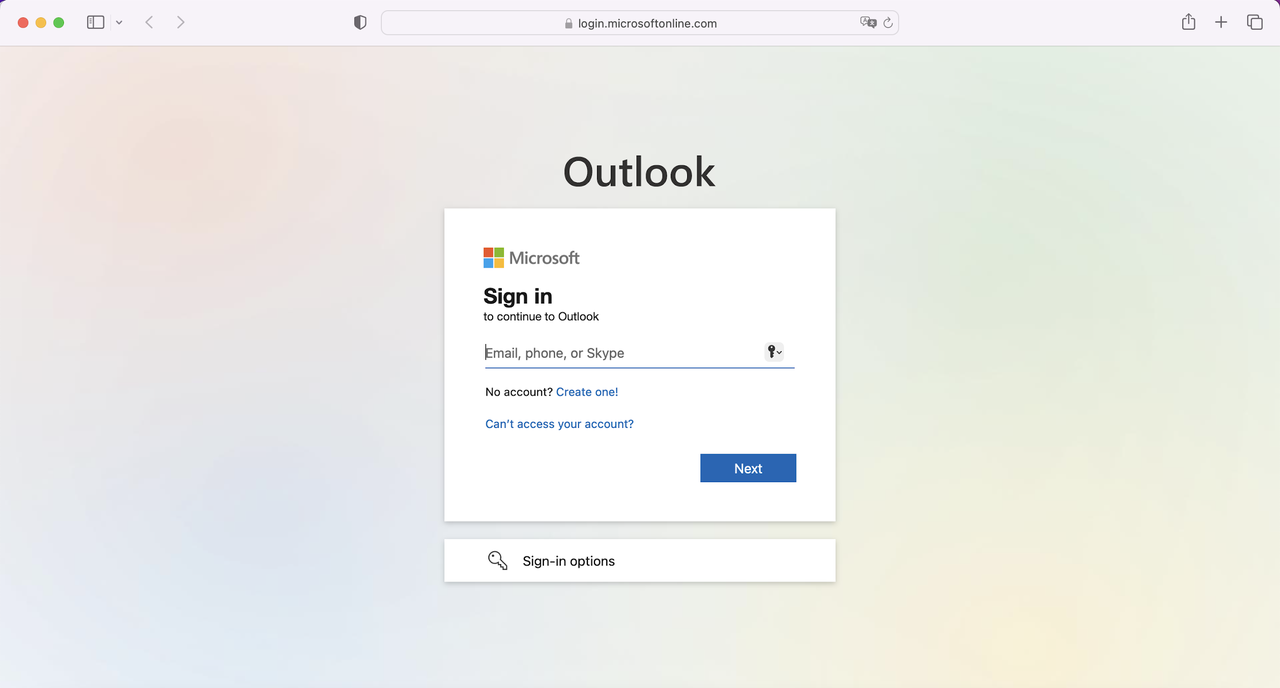
Login to Outlook. URL: https://outlook.office365.com

Whitelist MEXC domains in Outlook:

Go to Settings to view all Outlook settings → Mail Junk email → Add safe sender under Safe senders and domains

Whitelist for domain name:

Whitelist for email address:

Note: Once the whitelist settings have been done, please wait for 10 minutes before trying again as it may take some time for the whitelist to take effect for certain email service providers.


2. Gmail Whitelist Settings


Login to Gmail. URL: https://accounts.google.com


Check your blocked senders list in Gmail:

Go to SettingsSee all settingsFilters and Blocked Addresses

If any MEXC email addresses or domains are blocked, remove them from the list.

Whitelist for domain name:

Whitelist for email address:

Note: Once the whitelist settings have been done, please wait for 10 minutes before trying again as it may take some time for the whitelist to take effect for certain email service providers.


Go to Filters and Blocked Addresses and click Create a new filter.


How to add MEXC emails to Outlook and Gmail whitelist?

1. Outlook Whitelist Settings


Login to Outlook. URL: https://outlook.office365.com


Whitelist MEXC domains in Outlook:

Go to Settings to view all Outlook settings → Mail Junk email → Add safe sender under Safe senders and domains

Whitelist for domain name:

Whitelist for email address:

Note: Once the whitelist settings have been done, please wait for 10 minutes before trying again as it may take some time for the whitelist to take effect for certain email service providers.


2. Gmail Whitelist Settings


Login to Gmail. URL: https://accounts.google.com


Check your blocked senders list in Gmail:

Go to SettingsSee all settingsFilters and Blocked Addresses

If any MEXC email addresses or domains are blocked, remove them from the list.

Whitelist for domain name:

Whitelist for email address:

Note: Once the whitelist settings have been done, please wait for 10 minutes before trying again as it may take some time for the whitelist to take effect for certain email service providers.


Go to Filters and Blocked Addresses and click Create a new filter.